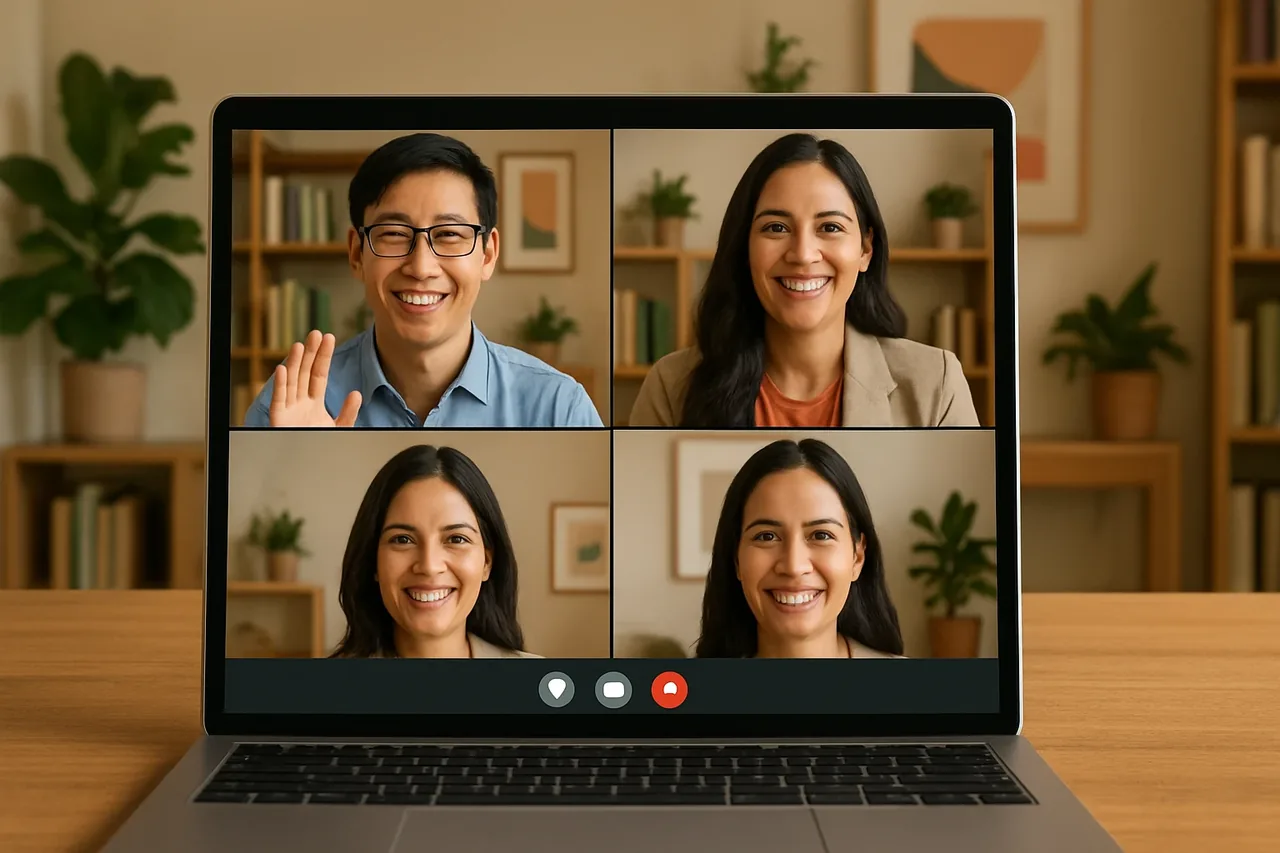
Real-time voice translation online lets people speak and listen in different languages during a business call. Talkniva offers a browser-based room where guests join through a shared link without installing software. Teams can also evaluate language coverage, AI translation, privacy, third-party beta integrations, and prepaid guest-hours before choosing a workflow.
What Is Real-Time Voice Translation Online?
Real-time voice translation online is an automated workflow that translates spoken language during a live conversation. Some systems translate in both directions, so both speakers can use their own language. Talkniva provides real-time voice translation for business calls.
ブラウザの翻訳ルームの仕組み
A Talkniva meeting can take place in a Talkniva room in the browser. Guests join through a shared link without installing software, so the call happens inside the browser-based room.
Talkniva can also work with Microsoft Teams, Google Meet, or Zoom links, with the Talkniva interpreter joining as a participant. The integration with third-party meeting rooms is in beta, and the interpreter acts only on voice.
What to Evaluate Before Choosing a Tool
Start with language coverage and the type of interpretation involved. Talkniva supports exactly 13 languages: English, Portuguese, Spanish, French, German, Italian, Japanese, Korean, Chinese, Russian, Hindi, Indonesian, and Vietnamese.
Then review the call setup and privacy model. Talkniva lets guests join through a shared link without installing software and does not record or store calls, audio, video, or transcripts.
Finally, check how usage is charged. Talkniva has no subscription and no trial; it uses prepaid guest-hours for active guests, with usage based on the number of active guests using the room.
Next Steps for a Live Translation Room
Choose the Talkniva browser room or review whether the beta third-party integration fits your call. Before buying, check the available prepaid guest-hours and the supported languages for your participants.
よくある質問
Can participants join a real-time voice translation online room through a shared link?
Yes. A browser-based Talkniva translation room lets guests join through a shared link without installing software.
Does real-time voice translation online work with Zoom, Google Meet, or Microsoft Teams?
Talkniva can work with Microsoft Teams, Google Meet, or Zoom links, with the Talkniva interpreter joining as a participant. The integration with third-party meeting rooms is in beta, and the interpreter acts only on voice.
How does Talkniva pricing work for real-time voice translation online?
Talkniva has no subscription and no trial. It uses prepaid guest-hours for active guests, with usage based on the number of active guests using the room. Check the current pricing information before buying.
関連記事
- Real time voice translator for calls
- Real-time translator: which format fits your call?
- Pricing
- アカウントを作成