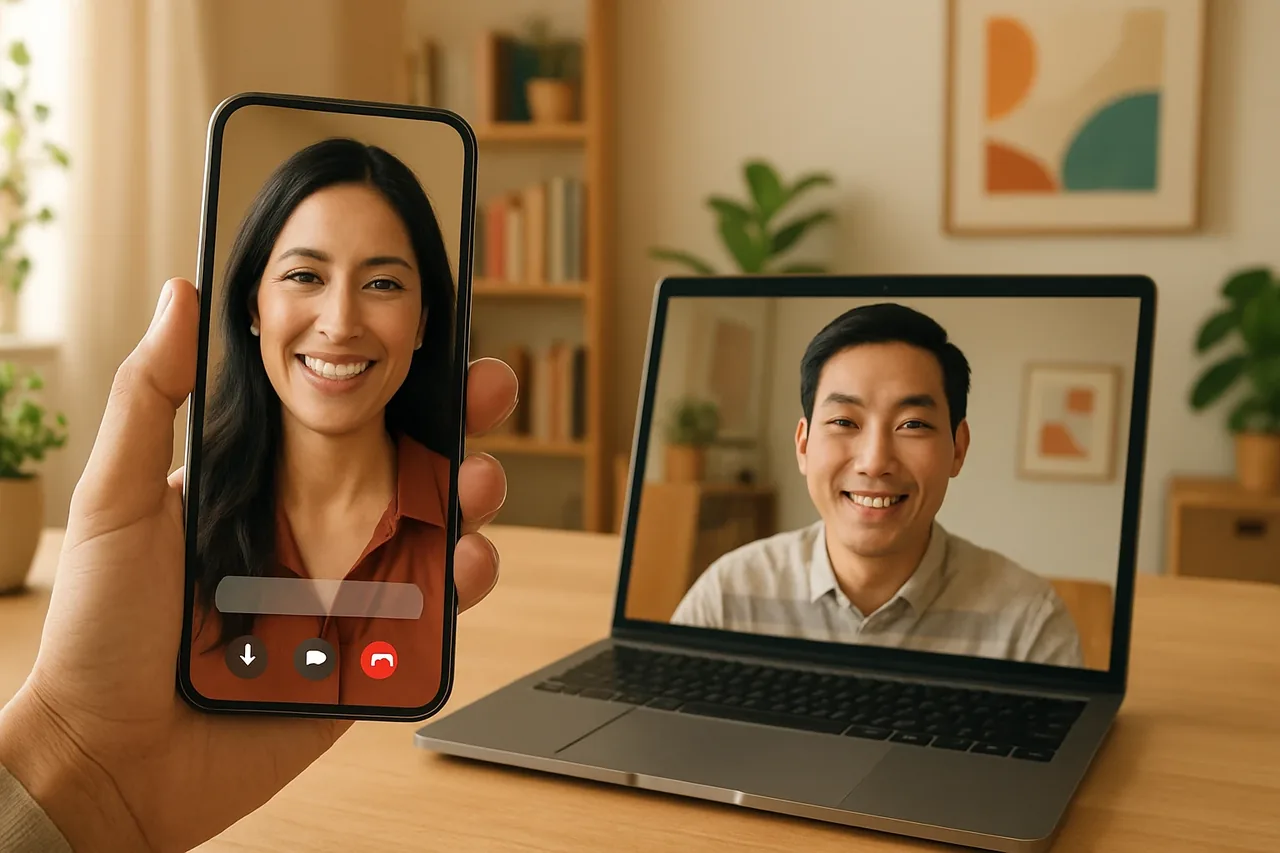
Translate phone call real time means each person hears translated speech during the conversation, with the other person’s response translated as well. Talkniva offers a browser-based live translation room, third-party room integration in beta, private-beta phone calls, and prepaid guest-hours measured per active guest. Review current package details at /en/pricing.
What Does Translate Phone Call Real Time Mean for Private-Beta Calls?
Translate phone call real time means that each person hears translated speech during the conversation, while the other person’s response is translated as well. Talkniva phone calls are in private beta, and live translation availability may vary by region and language.
How Talkniva’s Browser Room Works
Talkniva offers real-time voice translation for business calls in 13 languages, allowing each person to speak and listen in their native language.
The meeting can take place in a Talkniva room in the browser. Guests join through a shared link without installing anything, and Talkniva does not record or store calls, audio, video, or transcripts.
Talkniva can also use a Microsoft Teams, Google Meet, or Zoom link. In this third-party flow, the Talkniva interpreter joins as a participant and acts only on voice; the integration with third-party rooms is in beta.
Criteria for Choosing a Business Conversation Translator
Start by checking the conversation format. A dedicated browser room keeps the meeting inside Talkniva, while a third-party room uses a supported meeting link and the Talkniva interpreter joins as a participant. The other person needs to join the shared room or meeting.
Next, check the operating model. Talkniva has no subscription and no trial; access is purchased as a prepaid pack, and consumption is measured in guest-hours per active guest. Guest-hours express the approved per-active-guest usage model over elapsed participation time. Review package details at /en/pricing.
Finally, separate browser meetings from private-beta phone calls. Talkniva’s browser room provides a shared-link flow for participants, while phone calls remain in private beta.
Next Steps for Evaluating the Options
For a browser-based conversation, create a live translation room and invite the other person by link. If you are considering a third-party meeting room or private-beta phone calls, confirm that the relevant option fits your conversation before proceeding.
FAQ
What does translate phone call real time mean for private-beta calls?
It means each person hears translated speech during the conversation, and the other person’s response is translated as well. Talkniva phone calls are in private beta, and availability may vary by region and language.
How does the Talkniva browser room work?
The meeting takes place in a Talkniva room in the browser. Guests join through a shared link without installing anything, and Talkniva does not record or store calls, audio, video, or transcripts.
Is Talkniva’s third-party room integration available?
Talkniva can use a Microsoft Teams, Google Meet, or Zoom link. Its interpreter joins as a participant and acts only on voice. The integration with third-party rooms is in beta.
How is Talkniva usage measured?
Talkniva uses prepaid packs rather than a subscription or trial. Consumption is measured in guest-hours per active guest, reflecting the approved per-active-guest usage model over elapsed participation time. Review current package details at /en/pricing.
Related reading
Sources
- Use Live Translation on iPhone - Apple Support
- Talkniva: https://www.talkniva.com/en
- Talkniva: https://www.talkniva.com/en
- Talkniva: https://www.talkniva.com/en
- Talkniva: https://www.talkniva.com/en/pricing
- Talkniva: https://www.talkniva.com/en/pricing
- Talkniva: https://www.talkniva.com/en
- Talkniva: https://www.talkniva.com/en