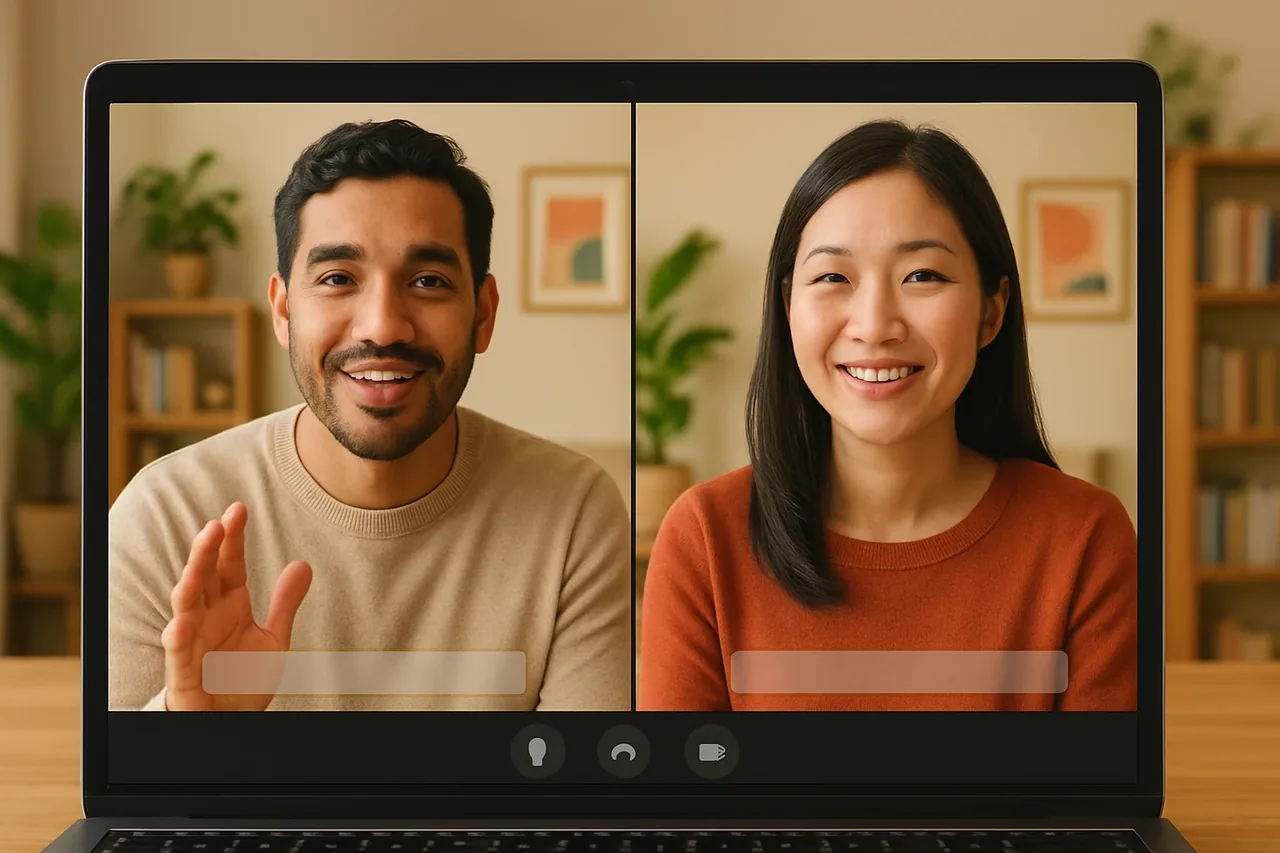
Short answer: whether an audio translator can work in real time depends on what you need it for. If you need to talk with someone in another language while the conversation happens, you need live voice translation: each person speaks and hears their own language as the other one talks. A Talkniva room does that in the browser, in 13 languages.
The problem
“Audio translator” can mean different things. For some people it is a way to understand a recording after the fact. For others it is a way to hold a conversation right now. The first can wait; the second cannot, because a pause of minutes breaks the call.
So before you pick a tool, decide which of the two you are solving. This page is about the second one: a live conversation with someone who speaks another language.
What to check, in 4 steps
1. Decide: live voice or a recording?
If the other person is on the line now, you need translation that happens while they speak. If you only need to understand something said earlier, the timing matters less. Write down which case you are in before comparing anything else.
2. Check how the other person joins
A live call needs both people in the same place. Ask whether the other person must create an account or install software. With Talkniva you create a room and send a link; they open it in a browser, choose their language and join.
3. Check the language pair
Confirm that both languages are supported before the call. Talkniva covers 13 languages, listed on the supported languages page.
4. Check what happens to the audio
Ask whether the call is recorded or stored. Talkniva does not record or store calls, audio, video or transcripts, so your own notes are the record. If the meeting is already booked in Teams, Meet or Zoom, there is a beta integration: paste the meeting link and the Talkniva interpreter joins as a participant. Because it is beta, it can be unstable, so tell the participants an interpreter is about to join and admit it from the waiting room if there is one.
What it costs
Access is a prepaid guest-hour pack, not a plan. The meter follows the guest: half an hour with one guest takes half an hour from the pack. See the pricing page for what is on sale now.
Frequently asked questions
Can an audio translator translate a live conversation as people speak? It depends on the tool, so check what it does with speech while it is being spoken. Talkniva translates voice live: each person speaks and hears their own language while the other person talks, in a browser room.
Does the other person need an account or an app? No. A browser is enough: they follow your link, pick their language and are in the call. Nothing to sign up for or download.
Which languages does Talkniva cover? Thirteen, including English, Spanish, Portuguese, German, French, Japanese, Chinese and Hindi; the supported languages page lists them all.
Is the call recorded? No. Calls, audio, video and transcripts are not recorded or stored by Talkniva, which is why your own notes matter.
Can I try it free first? No free trial and no subscription: access is a prepaid guest-hour pack.
Ready for your next call?
Create a live translation room, send the link and talk in your own language.
Related reading
Sources
[1] Talkniva supported languages: the 13 languages (accessed November 9, 2026). [2] Talkniva pricing page: usage unit, packs and consumption per active guest (accessed November 9, 2026).