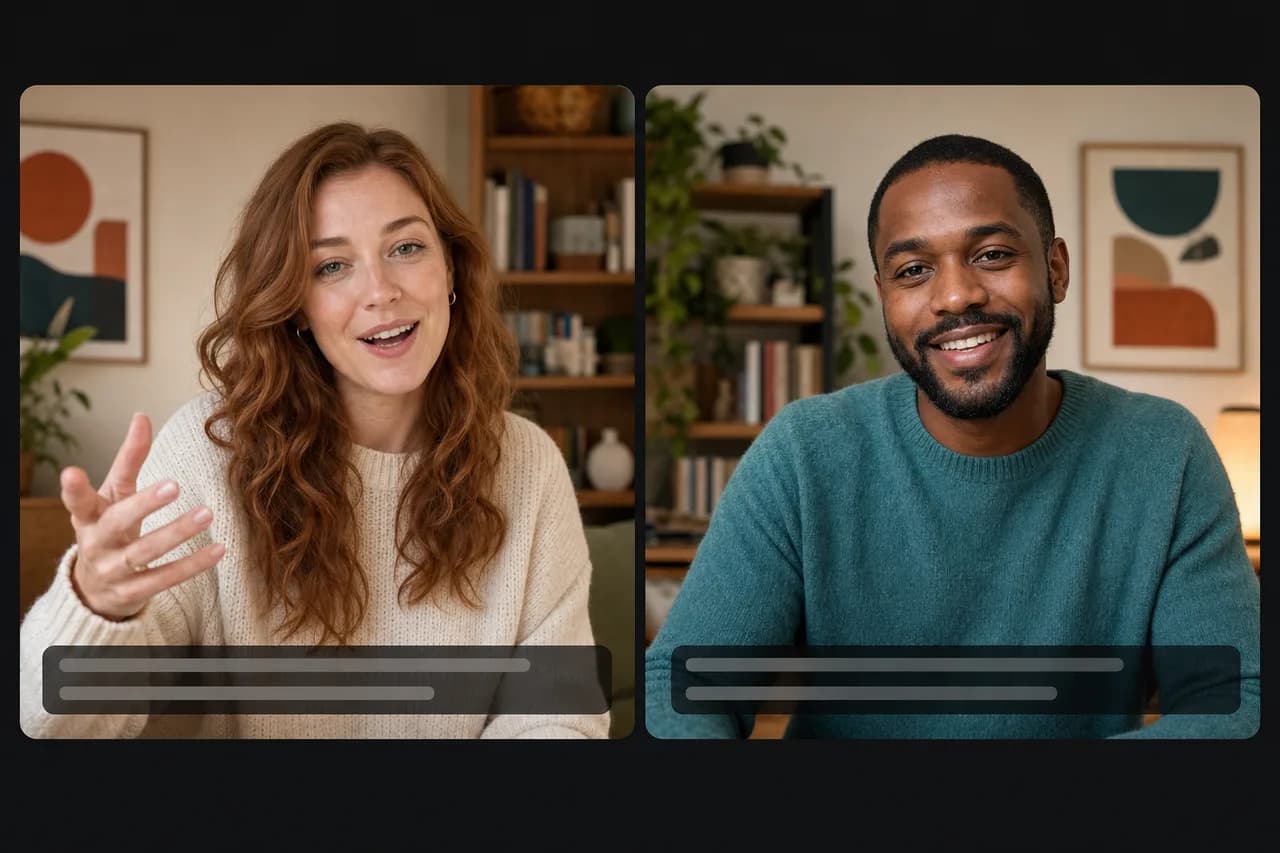
A real-time conversation translator lets two people speak different languages and understand each other on the spot. You speak your language, the other person hears theirs within seconds, and you hear their reply translated back — no typing, no pause, no install.
It’s the difference between reading a translation and having a conversation. If your English (or your client’s) freezes up on a live call, that’s exactly the problem it solves. Below: what it is, how it differs from a text translator, and how to talk in another language today.
What a real-time conversation translator is
It works like a simultaneous interpreter in software: it listens to one side, translates, and delivers it in the other person’s language while the conversation is happening — not after. The good ones do it speech-to-speech (you hear the translation, you don’t read it) with captions on both sides so you can verify.
The key word is “conversation.” A type-and-translate app handles a single sentence. A real conversation has rhythm, interruptions, numbers, a joke — and that’s where text breaks down.
Text translator vs. live voice translation
| Text translator (e.g. Google Translate) | Real-time voice translation | |
|---|---|---|
| How it works | you type or speak, then read (or hear) the result, one turn at a time | you talk normally, they hear it translated |
| Conversation flow | stops at every sentence | flows, no awkward pause |
| Hands-free | no | yes |
| On a real call | kills the momentum | keeps the conversation alive |
A text translator is great for a sign or an email. For a sales call, live support, or an interview, what saves the deal is hearing and replying in the moment.
How to translate a conversation in real time
To translate a conversation in real time, the steps are simple:
- Pick the right tool for the context. For a 1:1 voice conversation, use a speech-to-speech translator, not a text app.
- Make it two-way. You need to be understood and to understand the reply. One-directional translation doesn’t carry a conversation.
- Share access with zero friction. If the other person has to download and configure an app, the call goes cold before it starts. Joining by a link is the bar.
- Trust, but verify. Live captions let you confirm numbers and dates out loud — where a misunderstanding gets expensive.
With Talkniva, that becomes: open a room, share the link, and speak your language. The other person hears you in English (or one of 13 languages), live, with captions. They join in the browser — no install, no account. When a word won’t come, you speak your own language and the conversation keeps going.
When it’s worth it (and when it isn’t)
Worth it when the conversation is live and the stakes are real: a sales call, a support chat, a lesson, an interview. There, a real-time voice translator for calls protects your credibility — and the cost favors it: a human interpreter runs $30 to $100+ an hour and must be scheduled, while Talkniva is prepaid from around $13.30 an hour.
Not the best fit for certified/legal translation, large multi-party conferences, or fully offline use. For a professional 1:1 conversation, it’s the most direct path to being understood.
If your specific pain is freezing up on an English call, also read how to nail an English call even without perfect English.
Frequently asked questions
Does it work in any language? Your input speech is detected automatically, and the output is spoken in one of 13 languages available today — English, Portuguese, Spanish, French, German, Italian, Japanese, Korean, Chinese, Russian, Hindi, Indonesian, and Vietnamese. See all the languages.
Do I need to install anything? No. It runs in the browser. You share a link and the other person joins with no app and no account.
Is this a real-time voice translator for calls? Yes — it’s built for live 1:1 calls: speech-to-speech translation both ways, with captions, so a real conversation keeps its rhythm.
Is it better than Google Translate for a conversation? For a single sentence, Google Translate is fine. For a conversation by voice, a real-time speech-to-speech translator keeps the rhythm — you never stop to type and read each sentence.
How much does it cost? Prepaid minute packs, no subscription — you pay only for the minutes you use, from around $13.30 an hour. See pricing.
Bottom line
You don’t need to be fluent to have a conversation that matters in another language. You need a real-time conversation translator that keeps the rhythm, works both ways, and joins by a link. Do that, and language stops being the reason you lose a client.
Want to try it on your next call? Create a room on Talkniva and speak your way — no subscription, you pay only for the minutes you use.