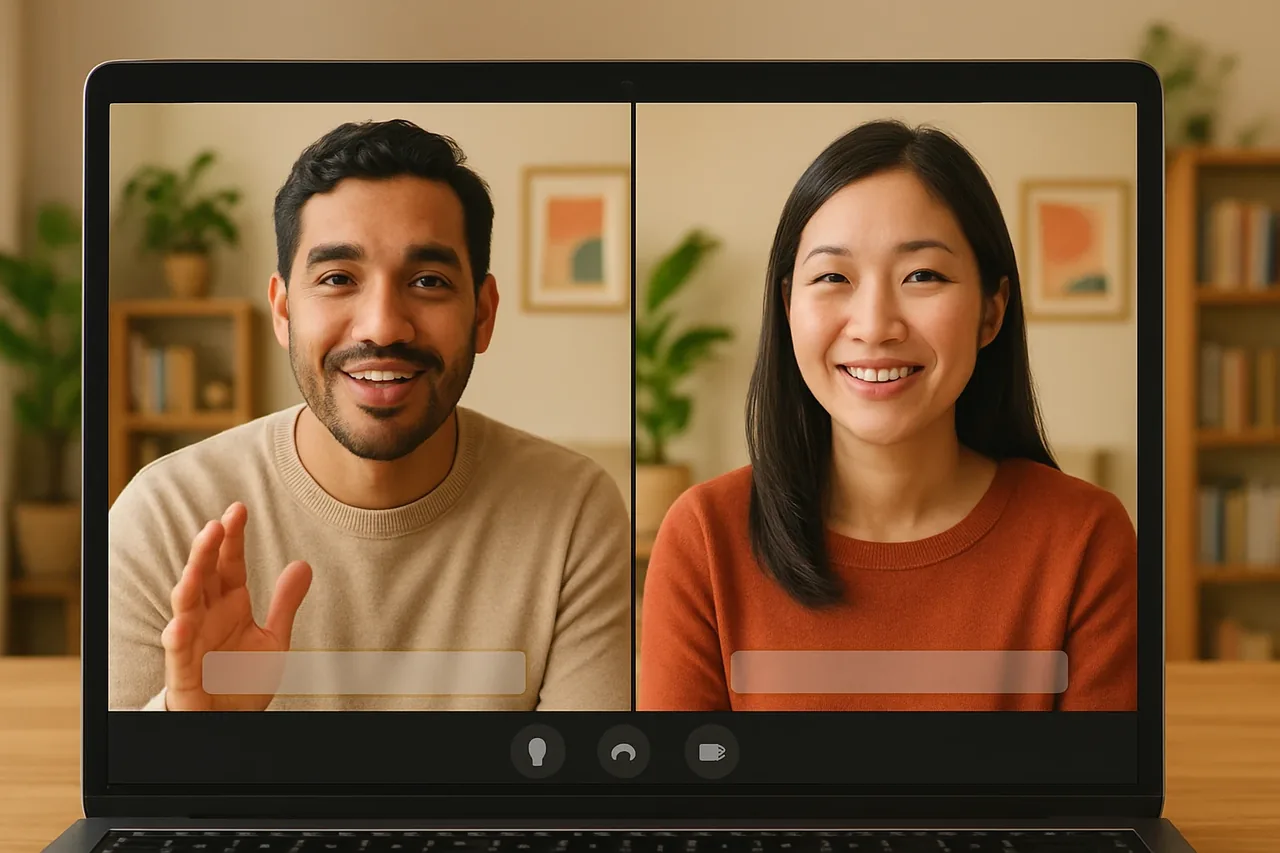
Short answer: a real-time voice translator app is worth choosing on six checks: whether you hear translated voice or only read captions, what the other person has to do to join, which languages it covers, what happens to the audio, how usage is priced, and how long setup takes. Talkniva is not an app you install: it runs in the browser, so there is nothing to download. It answers each check in the sections below, so you can compare any app against the same list.
The six checks
| Check | What to ask | Talkniva |
|---|---|---|
| 1. Voice or captions | Do you hear the translation, or only read it? | Translated voice, with captions on both sides |
| 2. How the other person joins | Account? Install? | A link in the browser: no account, no download |
| 3. Languages | Is your pair covered? | 13 languages |
| 4. Audio | Is the call recorded or stored? | No recording or storing of calls, audio, video or transcripts |
| 5. Pricing | Subscription, trial, or pay as you go? | Prepaid guest-hour packs, no subscription, no free trial |
| 6. Setup | How long until the first call? | Create a room, send the link |
1. Voice or captions
Captions need reading; voice lets you keep looking at the person you are talking to. If a call is long or fast, that difference is felt quickly. Captions are still useful as a second channel: use them to double-check names, numbers, dates and amounts.
2. How the other person joins
The best app on paper fails when the other side cannot get in. For a client, a candidate or a partner you are meeting once, a link that opens in the browser is the lowest-friction option. With Talkniva, you create a room, send the link, and the other person chooses their language and joins.
3. Languages
Check the pair you need, in both directions. Talkniva translates voice in 13 languages: Portuguese, English, Spanish, French, German, Italian, Japanese, Korean, Chinese, Russian, Hindi, Indonesian and Vietnamese. See the list of languages.
4. Audio and privacy
Ask what the app does with the audio of your meeting. Talkniva does not record or store calls, audio, video or transcripts. The flip side is that there is no record to go back to: take your own notes of what was decided.
5. Pricing
Subscriptions, trials and pay-as-you-go suit different call patterns. Talkniva uses prepaid guest-hour packs, with no subscription and no free trial, and usage is measured per active guest: a 30-minute call with one guest uses 30 guest-minutes from your pack.[1] Current prices are on the pricing page.
6. Setup, and what if the call is already booked
If the meeting is already in Teams, Meet or Zoom, check whether the app can join it. Talkniva has a beta integration: you paste the meeting link and a Talkniva interpreter joins as a participant, translating the conversation by voice. Because it is in beta, it can be unstable: tell participants that an interpreter is about to join and admit it from the waiting room if there is one. The Talkniva room that people join by link is not in beta.
A quick way to test
Before an important call, open a room and join it from a second browser or with a colleague for a few minutes. Speak in short sentences, wait for the other person to finish, and check names and numbers on the captions. Agree any key terms (a product name, a contract) in advance.
Have a call booked with someone who speaks another language? Create a live translation room and send the link.
Frequently asked questions
What should I check before choosing a real-time voice translator app?
Six things: whether you hear translated voice or only read captions, what the other person must do to join, which languages are covered, what happens to the call audio, how usage is priced, and how long setup takes.
Is Talkniva an app I have to install?
No. Talkniva is not an app you install: it runs in the browser, so there is nothing to download. You create a room and send a link; the other person opens it in their browser, chooses their language and joins, with no account.
How many languages does Talkniva translate?
Talkniva translates voice in 13 languages: Portuguese, English, Spanish, French, German, Italian, Japanese, Korean, Chinese, Russian, Hindi, Indonesian and Vietnamese.
Does Talkniva record the call?
No. Talkniva does not record or store calls, audio, video or transcripts. If you need a record, take your own notes.
How is Talkniva priced?
Talkniva sells prepaid guest-hour packs with no subscription and no free trial. Usage is measured per active guest, and current prices are on the pricing page.
Related reading
- Real-time voice translator for calls: the honest guide
- Best Live Translation Apps: 12 Real-Time Options for Work Calls
- How much does a real-time voice translator cost? And why Talkniva has no free trial
Sources
[1] Talkniva pricing page: usage unit, packs and consumption per active guest (accessed October 19, 2026).