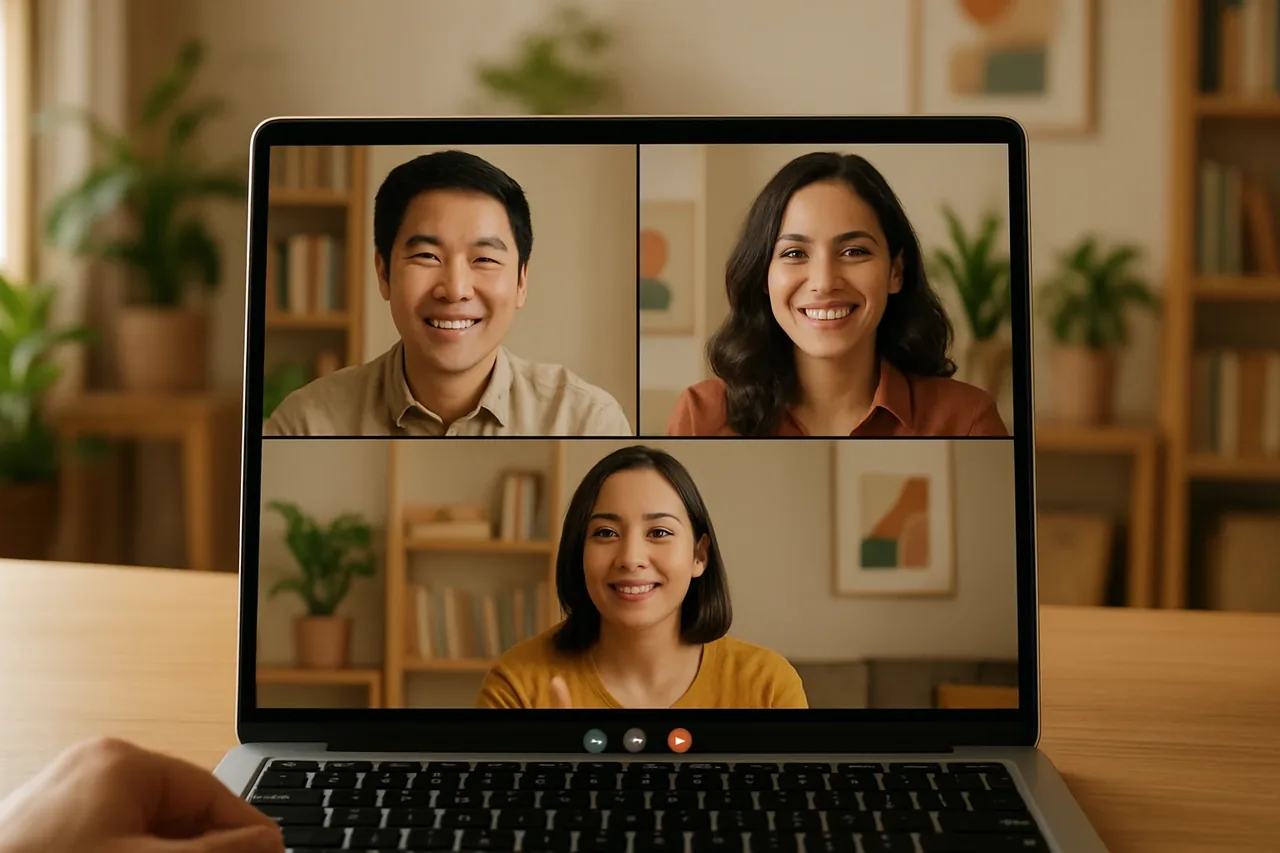
A live conversation translator can support multilingual sales calls, support conversations, interviews, onboarding, and partner meetings. Talkniva offers a browser-based room that guests join by link without installation. Third-party room integration is in beta, and the interpreter joins as a participant and acts only on voice. Review usage and privacy before choosing a workflow.
What Is a Live Conversation Translator?
A live conversation translator supports voice communication between people speaking different languages during professional calls. Common business contexts include sales, support, interviews, onboarding, and partner meetings.
Two-way translation allows both speakers to use their own language while automatic translation works in both directions. Talkniva currently offers 13 languages: English, Portuguese, Spanish, French, German, Italian, Japanese, Korean, Chinese, Russian, Hindi, Indonesian, and Vietnamese.
How Does a Browser-Based Translation Room Work?
Talkniva provides its own meeting room in the browser, where the meeting can take place inside the platform. Guests join by link without installing software.
Teams can also paste a Microsoft Teams, Google Meet, or Zoom link so the Talkniva interpreter joins as a participant. The integration with third-party meeting rooms is in beta, and the interpreter acts only on the voice.
When evaluating a live conversation translator, check how participants enter, which languages and audio modes are supported, whether the workflow runs in a browser, and how data is handled.
What Should Teams Evaluate Before Choosing a Tool?
Start with the call format and participant experience. Confirm whether the meeting will use a Talkniva browser room or a third-party meeting room, and make sure participants understand how to join.
Review language coverage and available modes. Talkniva offers 13 languages. Google Translate, for example, offers live translation modes that include listening, conversation, and text only.
Check the usage model before planning recurring calls. Talkniva has no subscription and no free trial; customers buy prepaid guest-hour packs per active guest and pay for usage. One active guest uses one guest-hours per minute, while two active guests use two guest-hourss per minute.
Set privacy expectations before the call. Talkniva does not record or store calls, audio, video, or transcripts. In third-party meeting rooms, the integration is in beta, the interpreter joins as a participant, and acts only on the voice.
How Can a Team Start a Live Translation Room?
Choose the Talkniva browser room when you want the meeting to take place inside the platform, then invite guests by link. If your workflow depends on Microsoft Teams, Google Meet, or Zoom, review the third-party integration’s beta status and voice-only interpreter scope before using it for a business call.
FAQ
What is a live conversation translator?
A live conversation translator supports voice communication between people speaking different languages during professional calls, including sales, support, interviews, onboarding, and partner meetings.
How does Talkniva’s browser-based room work?
The meeting can take place in a Talkniva room in the browser. Guests join by link without installing software.
Does Talkniva record or store calls?
Talkniva does not record or store calls, audio, video, or transcripts.
How does Talkniva pricing and usage work?
Talkniva has no subscription and no free trial. Customers buy prepaid guest-hour packs per active guest and pay for usage; one active guest uses one guest-hours per minute, while two active guests use two guest-hourss per minute. Check the pricing page for current details.
Related reading
- Customer support calls in another language: set-up, script and follow-up
- Real time conversation translator
- Real time voice translator for calls
- Pricing
- Create an account