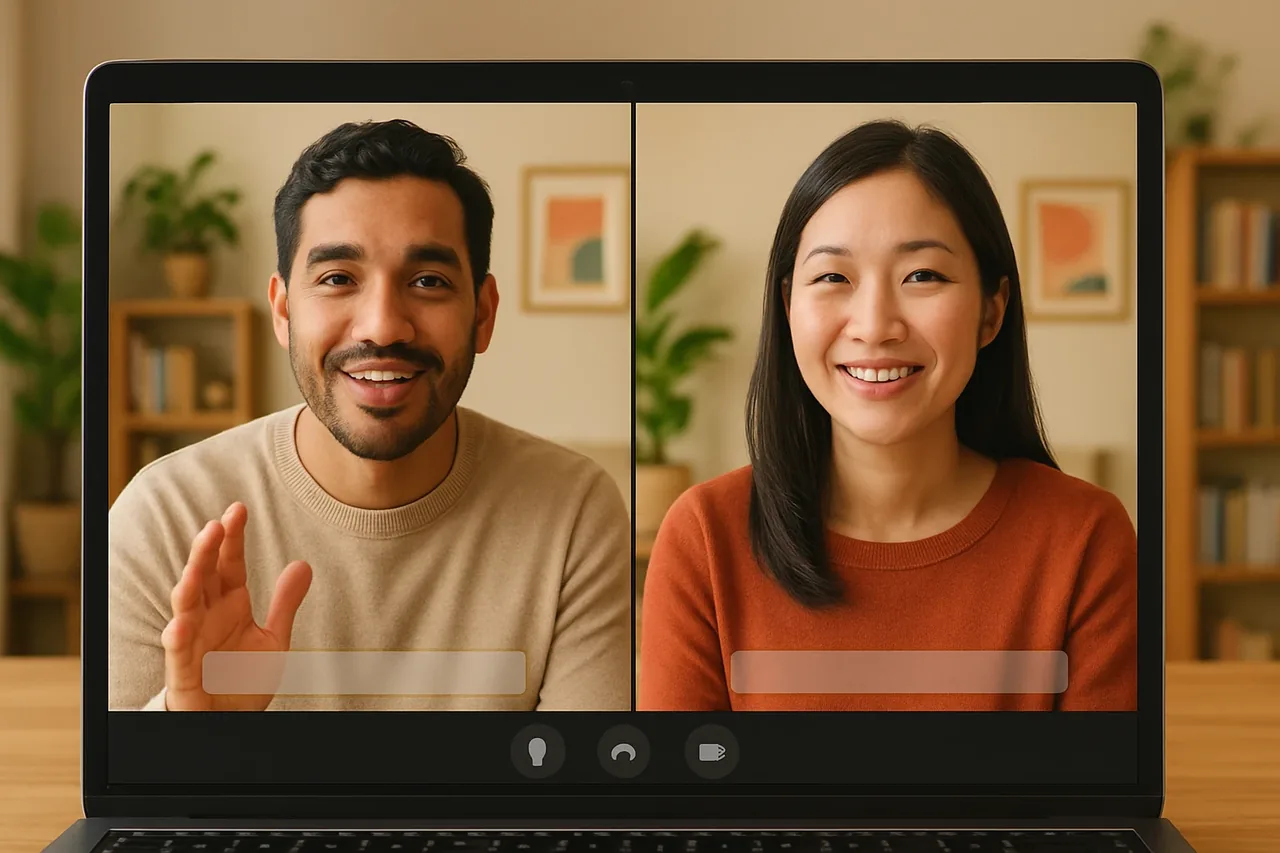
Short answer: on a support call in a language you don’t speak, open a Talkniva room, send the customer the link, keep your sentences short and read each ticket number, amount and deadline back before you hang up. Follow with a written summary, and if a teammate takes over, give them the facts already written.
The problem
Support runs on specifics: a ticket number, an order, an amount, a date by which something will happen. When the customer speaks another language, those are exactly the details that get lost, and the call ends with both sides unsure what was agreed.
Talking to the customer directly through a live translated voice helps, but the playbook around the call decides how it ends: the opening, the details to pin down, when to pass the case on, and the closing.
The call in 4 steps
1. Open the call with a short script
Create a room, send the link before the call, and start with a fixed opening so the customer knows what is happening. For example: “Hello, this is [name] from [company], about ticket [number]. We’re using a translated call, so I’ll speak in short sentences. Please tell me what happened.” The customer needs no account and nothing to install: they open the link, choose their language and join.
2. Pin down the details out loud
Four things should never stay implicit: the ticket or order number, any amount, any date or deadline, and the name of the product or plan. Say each one slowly, read it back, and ask the customer to confirm. Use the captions as a second channel to check spelling and digits.
3. Decide who owns the next action
Before you promise anything, decide whether you can resolve the case yourself. If not, say so plainly: “I’m passing this to [team or colleague], who will contact you by [day].” Write down the facts you have collected so the next person does not have to ask the customer to repeat them.
4. Close with a read-back, then write it down
End the call with a read-back: “To confirm, we agreed that [action] by [date]. Is that right?” Talkniva does not record or store calls, audio, video or transcripts, so the ticket is your record. Log the outcome and send the customer a short written summary the same day.
What it costs
You pay in advance for a pack of guest-hours. There is no subscription and no free trial, and the meter follows the customer on the call: a 30-minute call with one customer uses 30 minutes. Current packs are on the pricing page.
Frequently asked questions
Does the customer need to install anything to join the support call? No. The customer follows your link in a browser, picks their language and is in the call; there is no account to create and nothing to download.
Which languages does Talkniva cover for support calls? Talkniva translates voice in 13 languages: English, Portuguese, Spanish, French, German, Italian, Japanese, Korean, Chinese, Russian, Hindi, Indonesian and Vietnamese. Check yours in the list of supported languages.
Are support calls recorded? No. Talkniva does not record or store calls, audio, video or transcripts. Log the outcome in your ticket and confirm it with the customer in writing.
How is usage counted? Packs are prepaid and consumption follows the active guests on the call. One customer for 30 minutes uses 30 minutes. There is no subscription and no free trial.
What if the customer is already in a Teams, Meet or Zoom call? There is a beta integration: you paste the meeting link and the Talkniva interpreter joins as a participant. Because it is beta, it can be unstable. Tell the participants an interpreter is about to join and admit it from the waiting room if there is one.
Ready for your next support call?
Create a live translation room, send the link and handle your next support call in another language.
Related reading
Sources
[1] Talkniva supported languages: the 13 languages (accessed November 1, 2026). [2] Talkniva pricing page: usage unit, packs and consumption per active guest (accessed November 1, 2026).