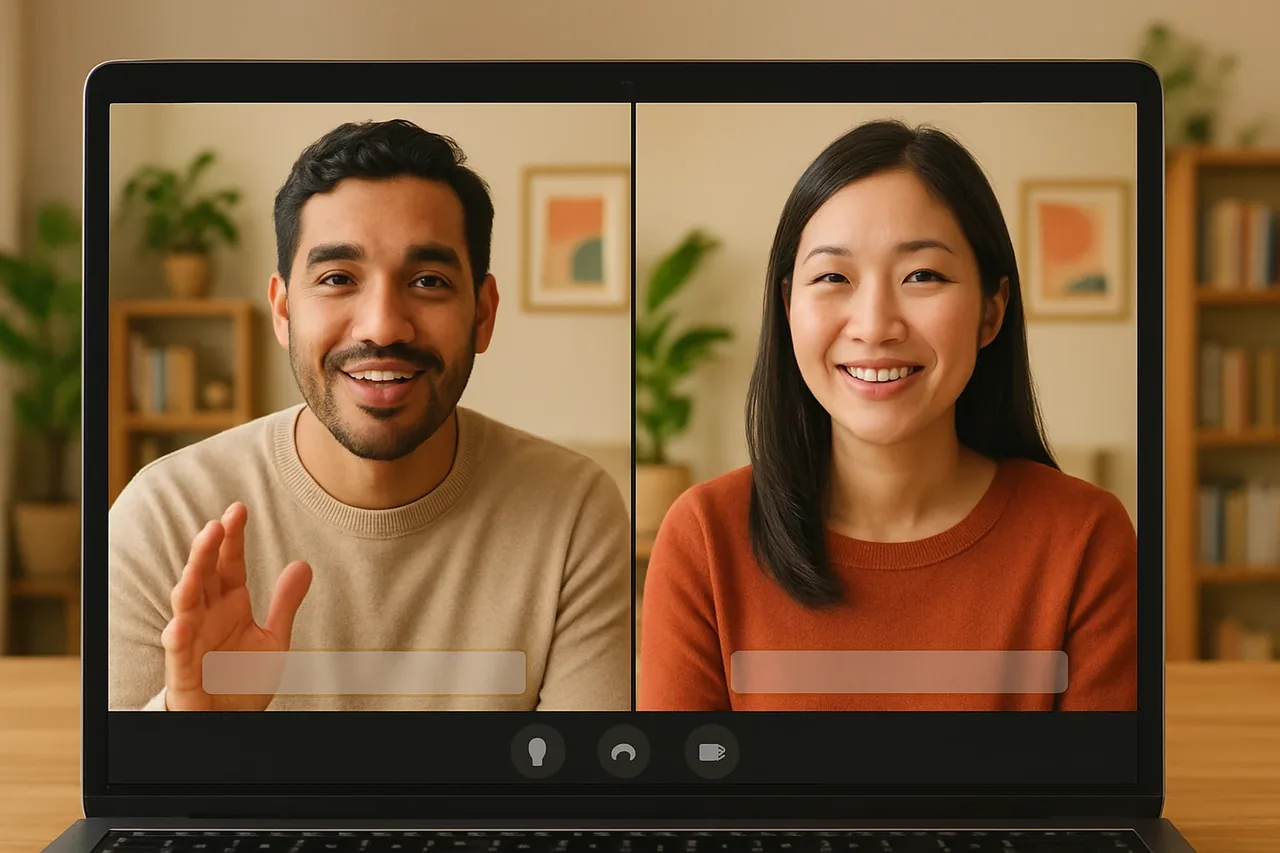
Short answer: yes, you can talk to a client, a recruiter or a partner in another country without speaking their language. You open a Talkniva room in your browser and send the link; each person speaks and hears their own language, live, with captions, and the person joining by link installs nothing and creates no account. Talkniva translates the spoken conversation: it does not find clients or jobs, and it does not translate documents.
Where language gets in the way of work
A language barrier rarely shows up on a resume or a portfolio. It shows up when you have to speak. A few moments where it weighs the most:
- A job interview with a company abroad, when the recruiter speaks another language.
- A first meeting with a new client, where you need to understand the request before proposing anything.
- Support and onboarding for a client who writes well but prefers to talk in their own language.
- Negotiating scope, deadlines and fees, where a “yes” that was not understood costs real money.
In all of them, what gets in the way is the live conversation, not the skill of the person on the other side of the screen.
How it works in practice
- Create a Talkniva room in your browser and choose the language you want to speak and hear.
- Send the link to the client, by email or in the chat you already use.
- The client joins by link, picks their language and needs no account or installation.
- Each person speaks their own language. You hear the client in your language and they hear you in theirs, with translated voice and captions on both sides.
- Use the captions to double-check names, numbers, dates and amounts, the places where a mistake costs the most.
Talkniva translates voice in 13 languages: Portuguese, English, Spanish, French, German, Italian, Japanese, Korean, Chinese, Russian, Hindi, Indonesian and Vietnamese. See the list of languages.
If the client would rather stay in Teams, Meet or Zoom, there is the beta integration: you paste the meeting link and an interpreter named Talkniva joins as a participant, translating the conversation by voice. Because it is in beta, it can be unstable: tell participants that an interpreter is about to join and admit it from the waiting room if there is one.
What voice translation does not do
Being clear about this avoids disappointment:
- It does not get you clients or jobs. It makes the conversation possible; finding the opportunity is still on you.
- It does not translate documents or written messages. Contracts, proposals and emails are outside it; it covers the live spoken conversation.
- Proper names and very technical terms can come out wrong. Confirm in writing the points that decide the deal: amounts, deadlines, deliverables.
- It does not record or store calls, audio, video or transcripts. If you need a record of the conversation, take your own notes.
A next step for each situation
- Have an interview coming up? See how to nail an English-language call.
- Choosing a format for client meetings? Read how to translate an online meeting in real time.
- Want to compare the options? See the best live translation apps.
What it costs
Talkniva is prepaid guest-hour packages, with no subscription and no free trial. Usage is measured per active guest: a 30-minute conversation with one client uses 30 guest-minutes from your package.[1] Current prices are on the pricing page.
Have a conversation booked with someone who speaks another language? Create a live translation room and send the link.
Frequently asked questions
Can I talk to a client who does not speak my language?
Yes. In Talkniva you create a room in your browser and send the link; the client joins without installing anything. You speak your language and they hear theirs, and their reply reaches you in your language, live, with captions on both sides.
Does the client need an account or a download?
No. They join by link in the browser, with no account and no download.
Will Talkniva get me clients or jobs?
No. It translates the spoken conversation live. Finding the client, the job or the opportunity is still your work.
Does it work inside Teams, Meet or Zoom?
Yes, in beta: you paste the meeting link and an interpreter named Talkniva joins as a participant, translating the conversation by voice. The beta can be unstable, so tell participants that an interpreter is about to join and admit it from the waiting room if there is one.
How much does it cost?
Talkniva is prepaid guest-hour packages, with no subscription and no free trial. Usage is measured per active guest; the prices are on the pricing page.
Sources
[1] Talkniva pricing page: usage unit, packages and consumption per active guest (accessed October 11, 2026).