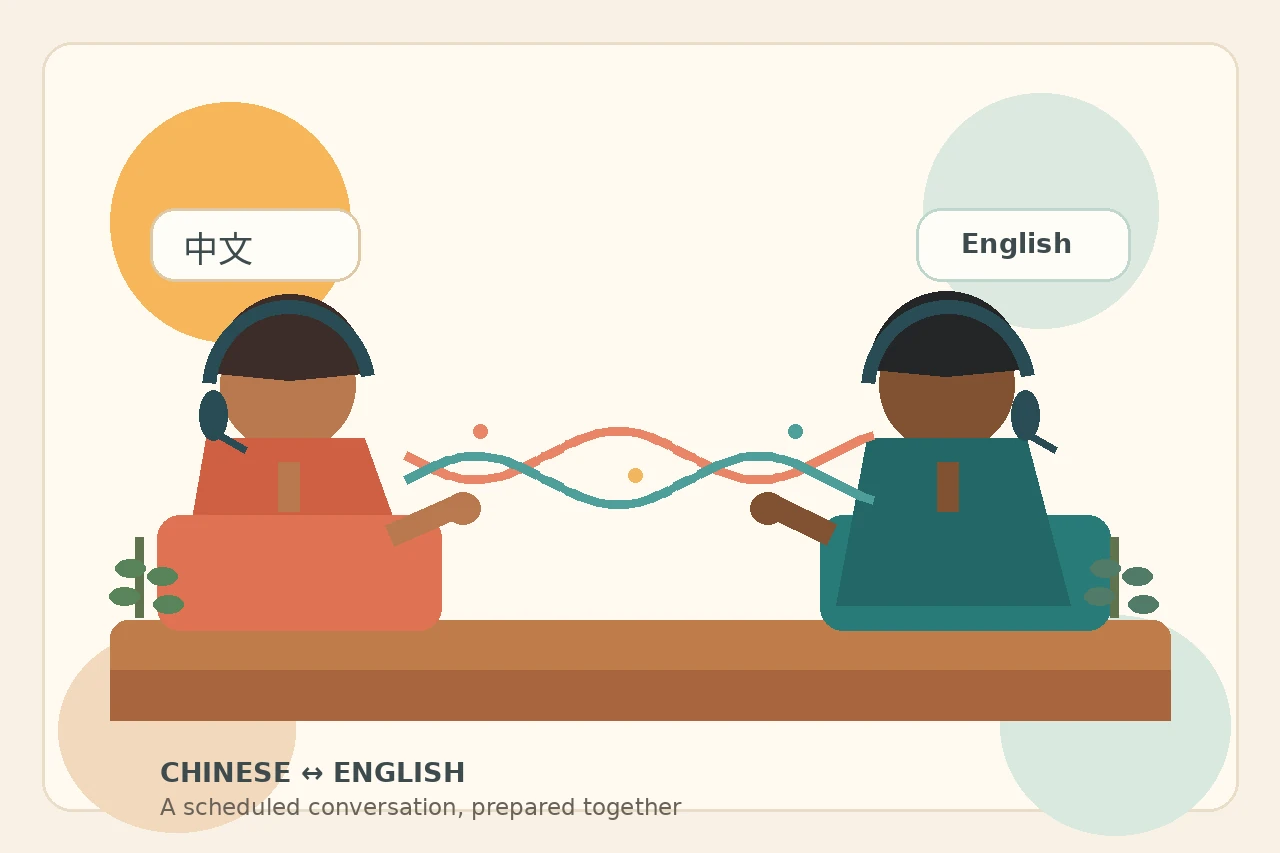
Two people can translate Chinese and English speech during a scheduled online conversation by meeting in a dedicated browser room. Talkniva’s documented route is to create a room, share its link, and have the other person join in a browser. Its language page lists 13 languages, including Chinese and English, and describes live two-way speech translation with captions. [1][2]
This is a spoken conversation, not an exchange of typed translations or an uploaded audio file. Before the call, agree on the purpose, prepare important details, and plan to speak in short turns so each person can ask questions and confirm understanding.
Before the call: prepare the details that matter
Start by confirming that both participants want a Chinese–English conversation and can meet online at the agreed time. Include the time zone in your invitation and explain that you will use a shared browser-room link.
Prepare a short reference note to send through your usual communication channel:
- Names: include each person’s preferred written name and form of address. If a name appears in Chinese characters and an English spelling, keep both together rather than relying on speech alone.
- Numbers: write quantities as digits and label currencies and units. Confirm whether an amount is a total, a unit amount, or an estimate.
- Dates: write the month in words and include the year. For deadlines, add the time zone.
- Key terms: list product names, part codes, company names, and specialized terms. Include agreed Chinese and English wording where you already have it.
During the conversation, use one idea per turn. Avoid combining a quantity, a deadline, and a condition into one long sentence. Ask the other person to repeat the intended meaning before treating an important point as settled.
For example: “Please confirm: 240 units, delivered by October 15, 2026.” Then discuss any conditions separately.
Set up a scheduled Chinese–English browser conversation
-
Prepare the conversation
Agree on the time, time zone, purpose, and Chinese–English language pair. Plan short turns and a way to confirm names, numbers, dates, and key terms.
-
Create a room
Create a Talkniva room for the conversation. The documented setup uses a dedicated browser room. [2]
-
Share the link and join
Send the room link to the other participant with the agreed meeting time. They open the link and join in their browser. [2]
-
Speak and confirm
Converse in Chinese and English using two-way live speech translation with captions. Take short turns and confirm important details before moving on. [1][2]
What two-way live speech means
The translation carries both sides of the exchange: one person speaks Chinese and the other hears English; the English-speaking participant replies and the other hears Chinese. Captions accompany the spoken translation on both sides. [1][2]
Use captions as another way to follow the exchange, not as proof that every detail is correct. If a name, number, or phrase seems wrong, pause and clarify it. Refer back to your prepared note, restate the point plainly, and ask for confirmation.
This guide focuses on Chinese–English preparation, especially keeping written names and important terms aligned across the two languages. If your conversation involves Spanish instead, use the separate Spanish–English live-speech guide. [3]
When to choose a different workflow
A scheduled browser conversation is not the right starting point for every translation task:
- Documents or typed text: choose a document or text-translation workflow, with appropriate review.
- Signs, menus, or images: look for a camera or image-translation workflow.
- Prerecorded audio: choose a workflow designed for audio files and reviewable transcripts.
- Offline use: select a tool whose documentation explicitly covers offline translation.
- Phone-network or landline calls: arrange a service intended for that calling route rather than treating a browser link as a telephone connection.
Do not rely on automated speech translation alone.
talkniva.com/en/blog/best-live-translation-apps). It covers workflow selection beyond this pair-specific preparation guide. [4]
FAQ
Can I translate Chinese speech to English in a scheduled conversation?
Yes. Talkniva lists Chinese and English and describes live two-way speech translation with captions. For a scheduled conversation, create a room, share its link, and meet in the browser. [1][2]
Does this mean Mandarin or Cantonese?
The official language page names Chinese only. It does not establish Mandarin, Cantonese, regional coverage, or dialect accuracy, so do not assume support for a specific variety from that listing. [1]
Is it for a phone/landline call?
This guide is for two people joining a browser room, not a phone-network or landline call. Do not use the room-link instructions as a dial-in or dial-out procedure.
Does it work offline?
Offline use is not established by the cited documentation. Plan this as an online browser conversation; if you need offline translation, choose a workflow explicitly documented for that purpose.
How does the other person join?
Create a room and share its link. The other participant opens the link and joins in a browser. [2]
Plan your next conversation
Prepare your reference note and agree on the meeting time. Then Create a live translation room and share the link with your conversation partner. [2]