Speak and listen in your native language. Understand and be understood live.
Real-time voice translation for calls. Use a Talkniva room or bring the interpreter into Teams, Meet or Zoom (beta).
BetaThe interpreter joins the meeting you already useSpeak and listen in your native language — with a natural translated voice, in the rhythm of the call.
Keep the meeting your team already scheduled.
Paste a Microsoft Teams, Google Meet, or Zoom link. The Talkniva interpreter joins as a participant: you speak and listen through Talkniva while the meeting stays on your team's platform.
Try it in a meetingWorks with
- Microsoft Teams
- Google Meet
- Zoom
Two-way voice translation in real time
Speak and listen through Talkniva
Other participants install nothing
Beta feature: it may be unstable. Let participants know that an interpreter will join, and admit it if the meeting has a waiting room.
Use Talkniva in two ways: create a room and share the link or, in beta, bring the interpreter into an existing Microsoft Teams, Google Meet, or Zoom meeting.
Translation happens while people speak. That helps in sales calls, support conversations, interviews, onboarding, and partner meetings because the answer arrives as translated voice with captions to confirm names, numbers, and next steps.
Balance is used by active guests. If the host is alone waiting for someone to join, the room can be ready without turning waiting time into translation usage. When guests join, each one gets a real-time translation channel.
The difference on a real business call.
When a call depends on language, the problem is not only translation. It is pace, confidence, and whether both sides leave with the same next step.
Language slows the call down
- The conversation keeps pausingPeople stop to translate, repeat themselves, type in another tool, or wait for someone to interpret.
- Business details get fragileNames, numbers, prices, deadlines, and next steps are easy to miss when both sides are translating in their heads.
- Generic tools feel awkwardConsumer translation workflows break trust in sales, support, interviews, onboarding, and partner meetings.
- Guests face setup frictionDownloads, accounts, or interpreter scheduling can delay the call before the conversation even starts.
- Sensitive context spreads across toolsTeams often paste notes, screenshots, or call context into extra services just to clarify what was said.
The call stays live and assertive
- Translation keeps pace with speechTranslation happens while people speak, without having to wait for the sentence to finish.
- Built for B2B clarityTranslated voice and live captions help confirm names, numbers, deadlines, decisions, and responsibilities.
- Everyone speaks naturallyEach person speaks and listens in their native language, live, instead of reading translated text.
- Each guest gets a live channelEvery active guest receives a real-time translation channel, so one-to-one and small group calls stay understandable.
- Private browser roomsGuests join by link with no installation, and Talkniva does not record or store calls, audio, video, or transcripts.
How it works
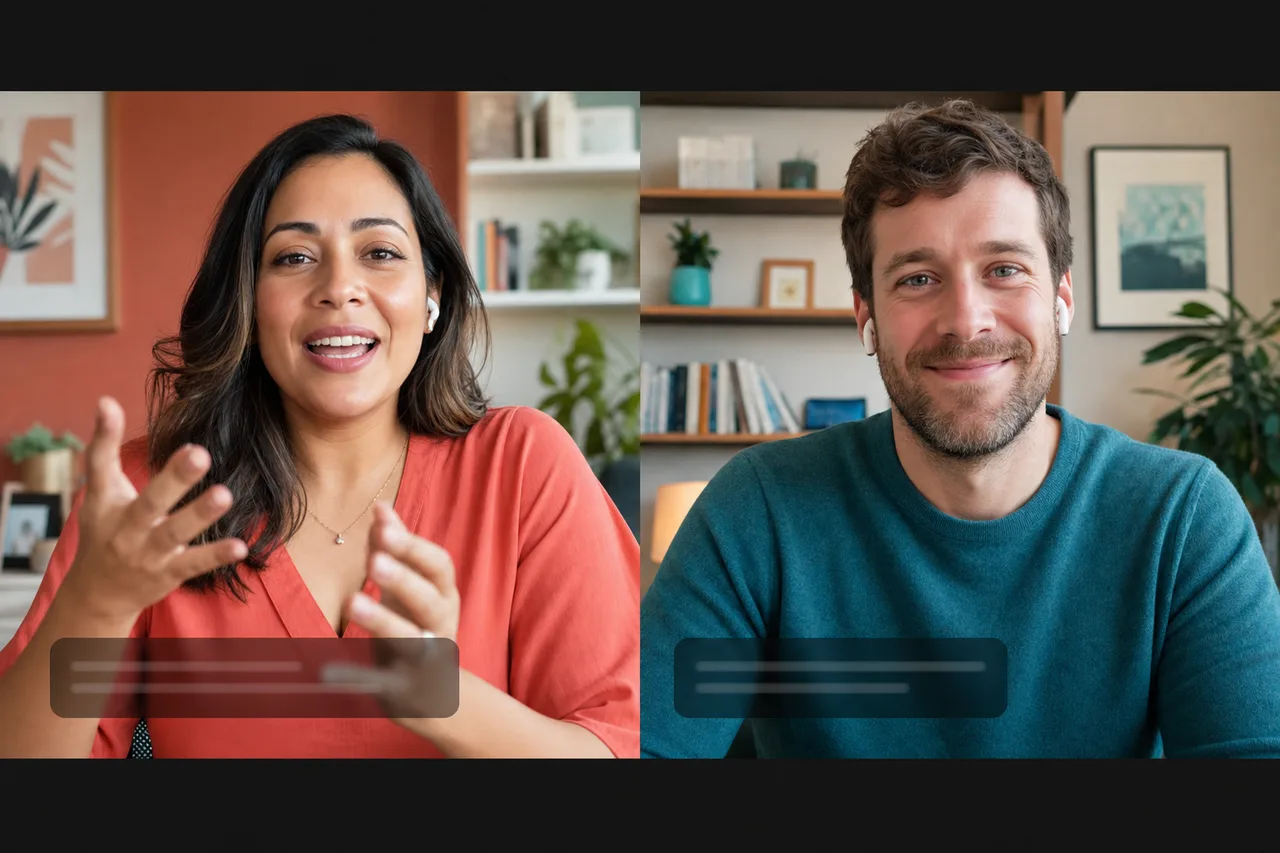
Create a room
One click. Nothing to install.
Share the link
The other person joins by link — no account, no download.
Just talk
Each person speaks and listens in their own language — live, with captions for both sides.
Why Talkniva
You listen in your native language — you don't read translated text.
The call translates as people speak — no waiting to finish.
A natural voice with tone helps both sides understand each other.
Just a link. Works in the browser.
Built for business calls

Sales calls with clients abroad
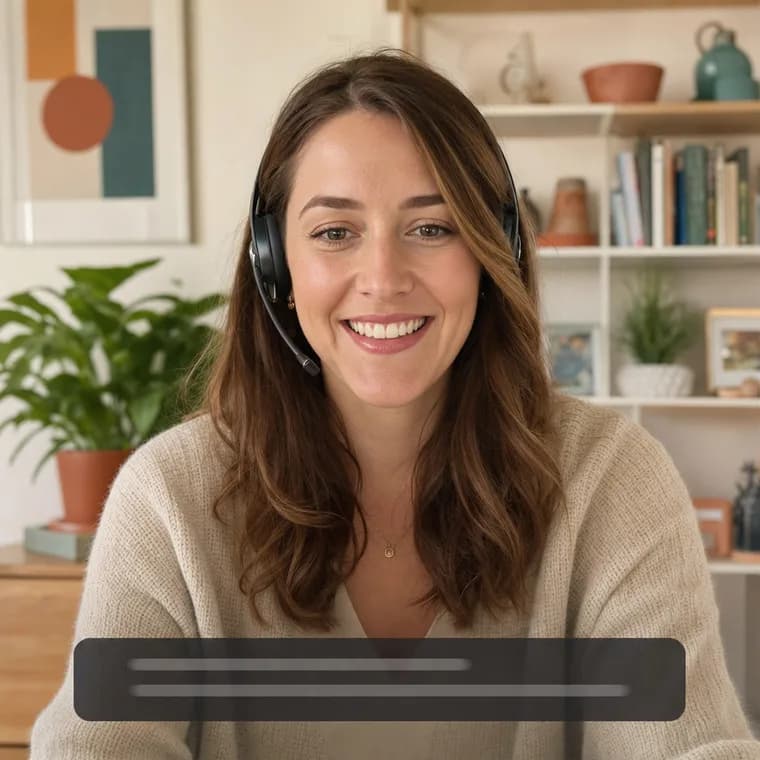
Support & customer success in any language

Meetings with international partners

Cross-border interviews & onboarding
13 languages, live today — speak and listen in your native language while the other person does the same.
Pay only for active guests. Packs from 20 guest-minutes to 10 guest-hours, no subscription.
See pricing →