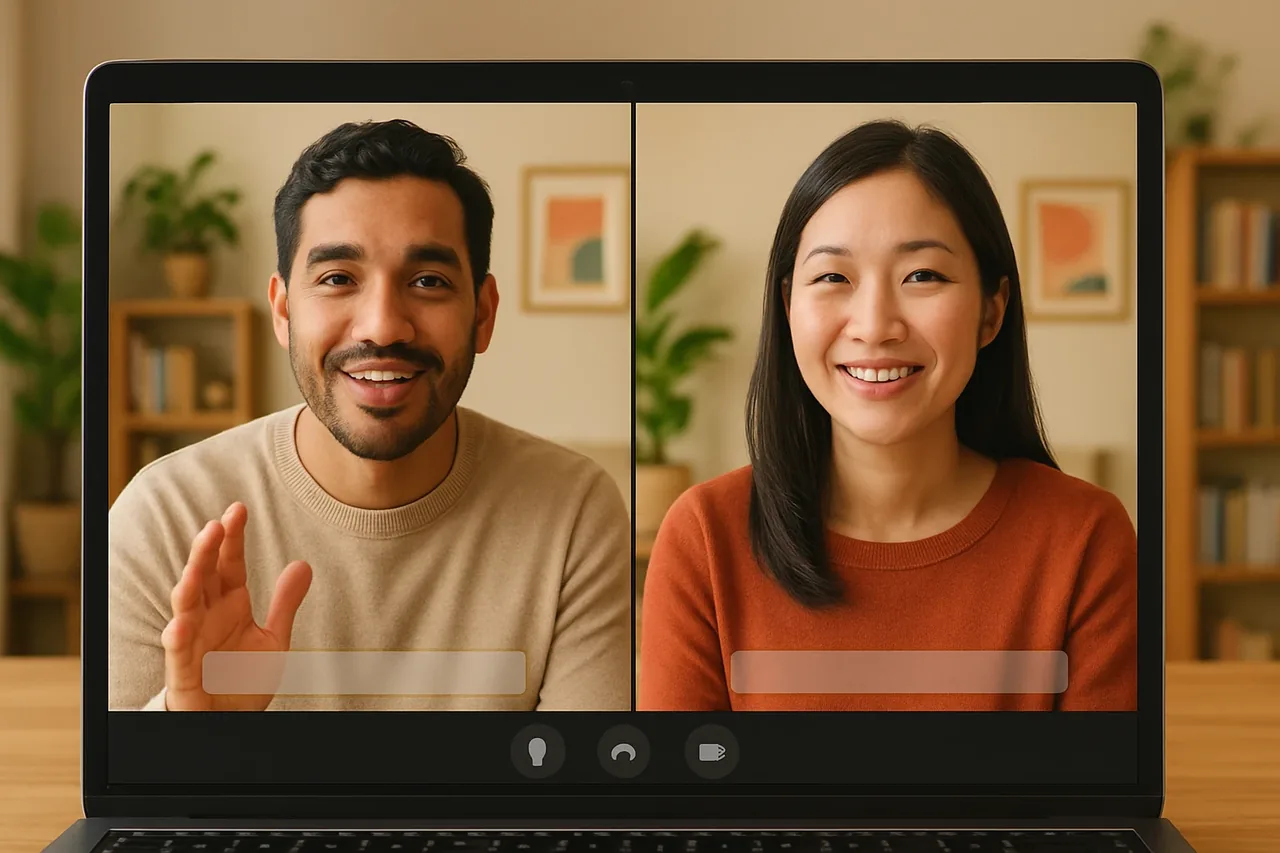
Short answer: when you and a supplier abroad don’t share a language, run the negotiation in a Talkniva room so each of you speaks your own language and hears the other translated live. The language is only half of it: agree on the terms in a fixed order, repeat every quantity, price basis and deadline, and send the supplier a written confirmation before anyone acts on the call.
The problem
Negotiations turn on small words: a quantity, a unit, an incoterm, a delivery week, a payment term. When you don’t share a language with the supplier, those are the words most likely to be understood differently, and the cost of that shows up weeks later in a shipment.
A live translated voice call removes the wait of emailed back-and-forth. It does not fix a vague agreement, so the way you structure the call still decides the outcome.
The negotiation in 4 steps
1. Send an agenda with the link
Create a room and send the supplier the link together with a short agenda: the products, the quantities you want to discuss and the decisions you hope to reach. The supplier opens the link in a browser, chooses their language and joins, with no account and nothing to install. Check that both languages are in the list of supported languages.
2. Agree on terms in a fixed order
Go through the same checklist every time: product and specification, quantity, price and what it includes, delivery date, payment terms. Taking one point at a time, in short sentences, makes it easier for the supplier to confirm each one and for you to follow the translation on the captions.
3. Repeat the numbers, units and dates
After every point, say it back: “So 2,000 units, at the agreed unit price, shipped in the week of the 14th. Correct?” Say units explicitly and spell out dates. If an answer is unclear, ask the question again in other words rather than assuming.
4. Confirm in writing the same day
Talkniva does not record or store calls, audio, video or transcripts, so what you write down is the record. Right after the call, send the supplier an email listing each agreed term and ask for a reply confirming it. Treat anything not confirmed in writing as still open.
What it costs
Talkniva is sold as prepaid guest-hour packs, with no subscription and no free trial. Consumption follows the people receiving the translation: one supplier contact for 30 minutes uses 30 minutes. Check the pricing page for the current packs.
Frequently asked questions
Does my supplier need an account or software to join the call? No. Your supplier opens the link you send in a browser, picks their language and joins. No account, nothing to install.
Which languages can I use with suppliers? Voice translation covers thirteen languages: Vietnamese, Indonesian, Hindi, Russian, Chinese, Korean, Japanese, Italian, German, French, Spanish, Portuguese and English.
Is the negotiation recorded? No. Calls, audio, video and transcripts are neither recorded nor stored by Talkniva, so keep your own notes and put the agreed terms in writing.
What does a supplier call cost? You buy a prepaid pack of guest-hours; there is no subscription and no free trial. Consumption follows the active guests, so a 30-minute call with one supplier contact uses 30 minutes.
Can I use it if the supplier prefers Teams, Meet or Zoom? There is a beta integration: paste the meeting link and the Talkniva interpreter joins as a participant. As it is beta, it can be unstable. Tell the participants an interpreter is about to join and admit it from the waiting room if there is one.
Ready for your next supplier call?
Create a live translation room, send your supplier the link and negotiate in your own language.
Related reading
Sources
[1] Talkniva supported languages: the 13 languages (accessed November 1, 2026). [2] Talkniva pricing page: usage unit, packs and consumption per active guest (accessed November 1, 2026).