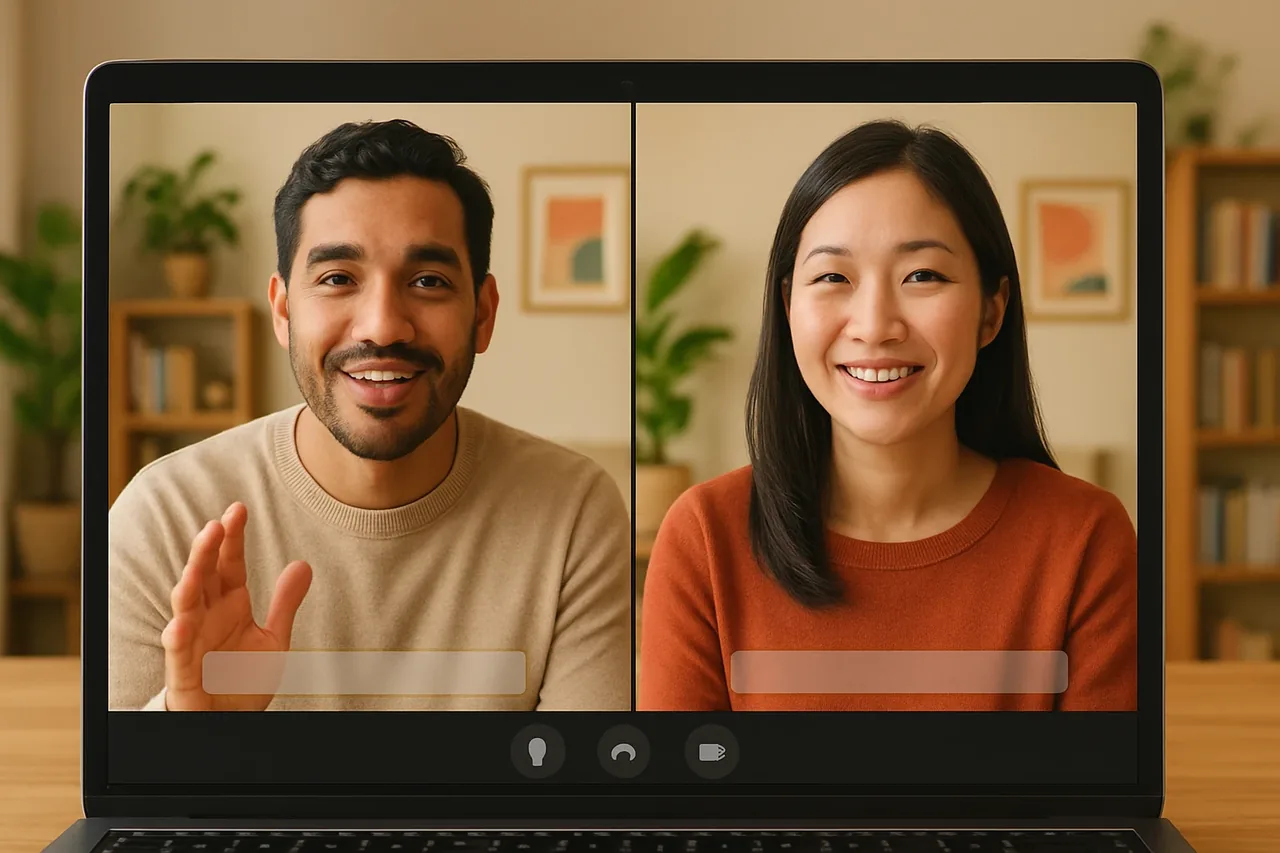
Short answer: to interview a candidate who speaks another language, send a link to a Talkniva room in advance, each of you speaks your own language and hears the other translated live, and you keep the process tight: a written invitation, a short question script, notes taken by you, and a written confirmation afterwards.
The problem
You have found a candidate you want to meet, but you don’t share a language. The usual workarounds slow the conversation down: waiting for a colleague who may or may not be free, sending questions by email, or trying to get by in a language you only half know. In an interview, where tone and detail matter, none of these is comfortable.
A live translated voice call lets both of you speak naturally. It does not do the interviewing for you, so the process around the call still matters.
The interview in 4 steps
1. Send the invitation in advance
Create a room in your browser and send the link with the date and time. Tell the candidate what to expect: they open the link in their browser, choose their language and join, with no account and nothing to install. A message you can reuse:
“For our interview on [date], we’ll use Talkniva. Open this link in your browser, choose your language and join. You don’t need an account or to install anything: [link].”
2. Test the room and prepare a short script
Before the interview, open the room with a colleague and speak in the language pair you need, so you know how it sounds. Check the languages in the list of supported languages.
Then write a script of questions in short, plain sentences, one idea per question. Agree internally which terms must be exact, such as the job title or team name, and keep them consistent.
3. Run the interview in short turns
Ask one question at a time and let the candidate finish before you answer. Use the captions as a second channel: names, numbers, dates and amounts are quick to check there. When something matters, say it back in one sentence and let the candidate confirm.
4. Note and confirm in writing
Talkniva does not record or store calls, audio, video or transcripts, so your notes are the record. Write down the answers as you hear them, then send the candidate a short email confirming what you agreed: the next step, dates, and anything that depends on a number.
What it costs
Talkniva works with prepaid guest-hour packs, with no subscription and no free trial. Usage is measured per active guest, so a 30-minute interview with one guest uses 30 minutes of your pack. See the pricing page for current details.
Frequently asked questions
Does the candidate need an account or an app to join the interview? No. The candidate opens the link you send in their browser, chooses their language and joins. There is no account and nothing to install.
Which languages can I interview in? Talkniva translates voice in 13 languages: English, Portuguese, Spanish, French, German, Italian, Japanese, Korean, Chinese, Russian, Hindi, Indonesian and Vietnamese.
Is the interview recorded? No. Talkniva does not record or store calls, audio, video or transcripts. If you need a record, take your own notes and confirm key points in writing.
Can I try Talkniva for free before the interview? No. Talkniva has no free trial and no subscription. You buy a prepaid pack of guest-hours, and usage is measured per active guest.
What if the interview is already scheduled in Teams, Meet or Zoom? There is a beta integration: you paste the meeting link and the Talkniva interpreter joins as a participant. Because it is beta, it can be unstable. Tell the participants an interpreter is about to join and admit it from the waiting room if there is one.
Ready for your next interview?
Create a live translation room, send the link and run your next interview in a language you don’t speak.
Related reading
Sources
[1] Talkniva supported languages: the 13 languages (accessed November 1, 2026). [2] Talkniva pricing page: usage unit, packs and consumption per active guest (accessed November 1, 2026).